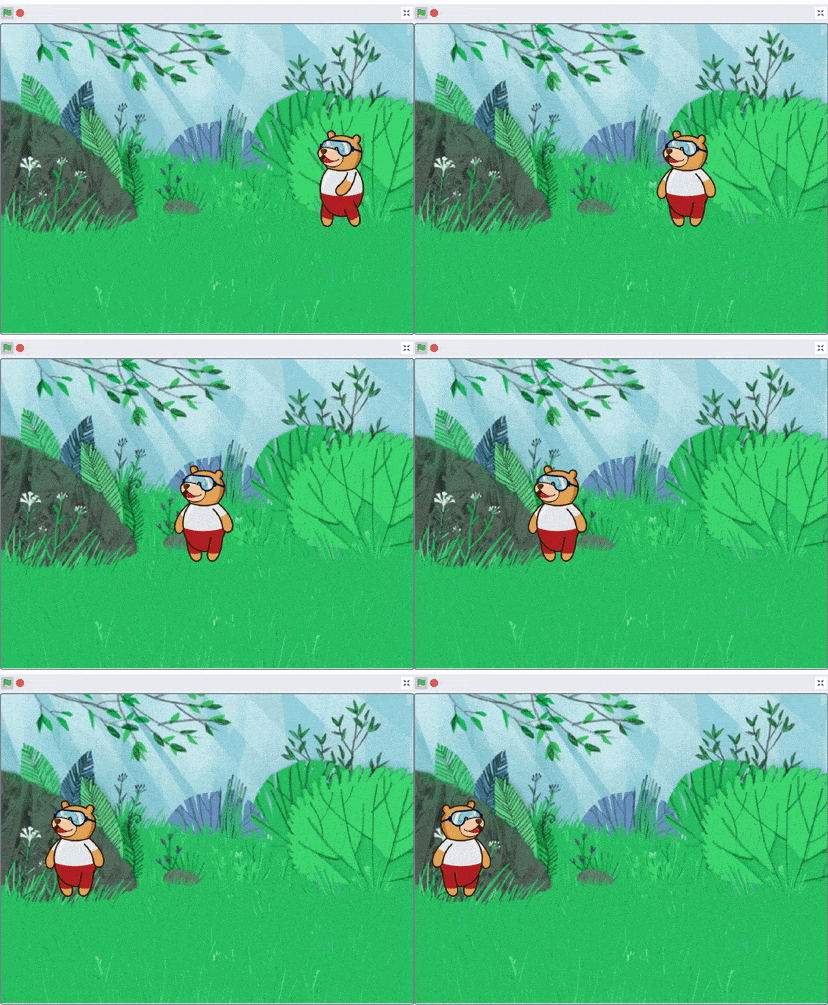
Animations are created, when a set of images changes quickly and repetitively creating a sense of motion.
In this lesson, you will learn about the backdrop and costumes in PictoBlox, which helps you to create amazing animations.
What is a Backdrop?
As of now, the Stage looks quite plain and simple, doesn’t it? What can we possibly do to make it more lively? Come in: backdrops!
A backdrop is one of the many frames, or backgrounds, that a Stage can have. The Stage can change its look to any of its backdrops.
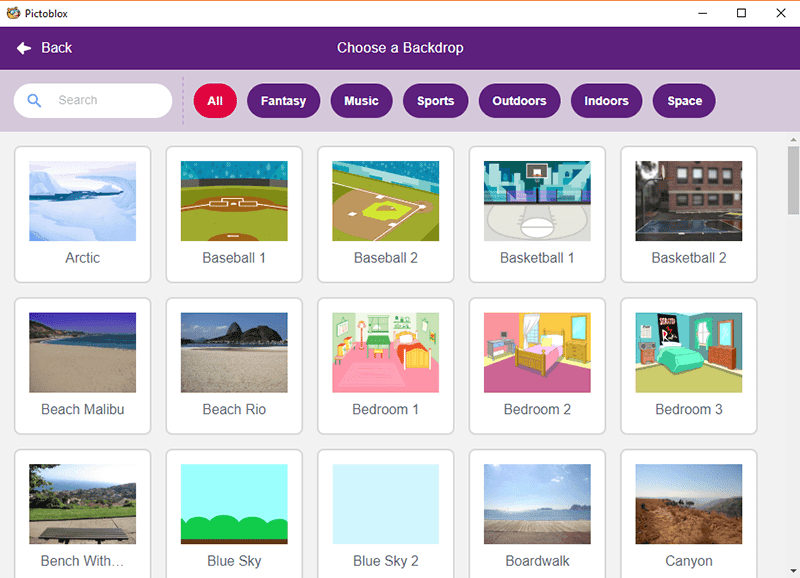
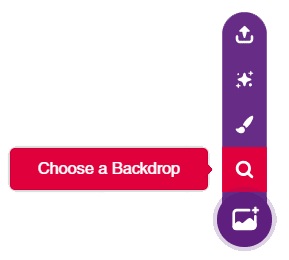
Choosing a Backdrop
You can choose a backdrop from
the backdrop library
uploading a file from the computer
creating one using the paint editor
What are Costumes?
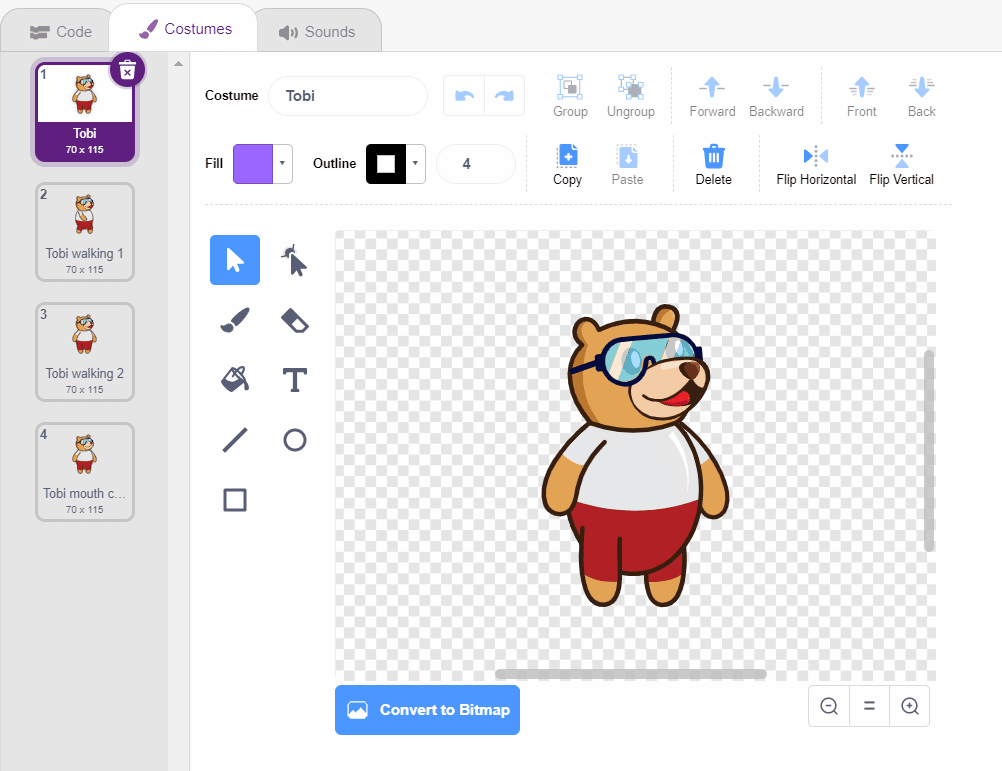
A costume is one out of possibly many “frames” or alternate appearances of a sprite. Sprites can change their look to any of their costumes. Every sprite has at least one costume.
One of the most common uses of costumes is to make an animation for a game. You can use a number of costumes to create one single animation.
The costumes available for the sprite are shown in the Costume tab, next to the Code tab on the extreme left.
How to Create Costumes?
There are four ways of getting a costume for a sprite or stage.
From the costume library
Drawing one yourself using the inbuilt paint editor
Getting an image or multiple images from your desktop